
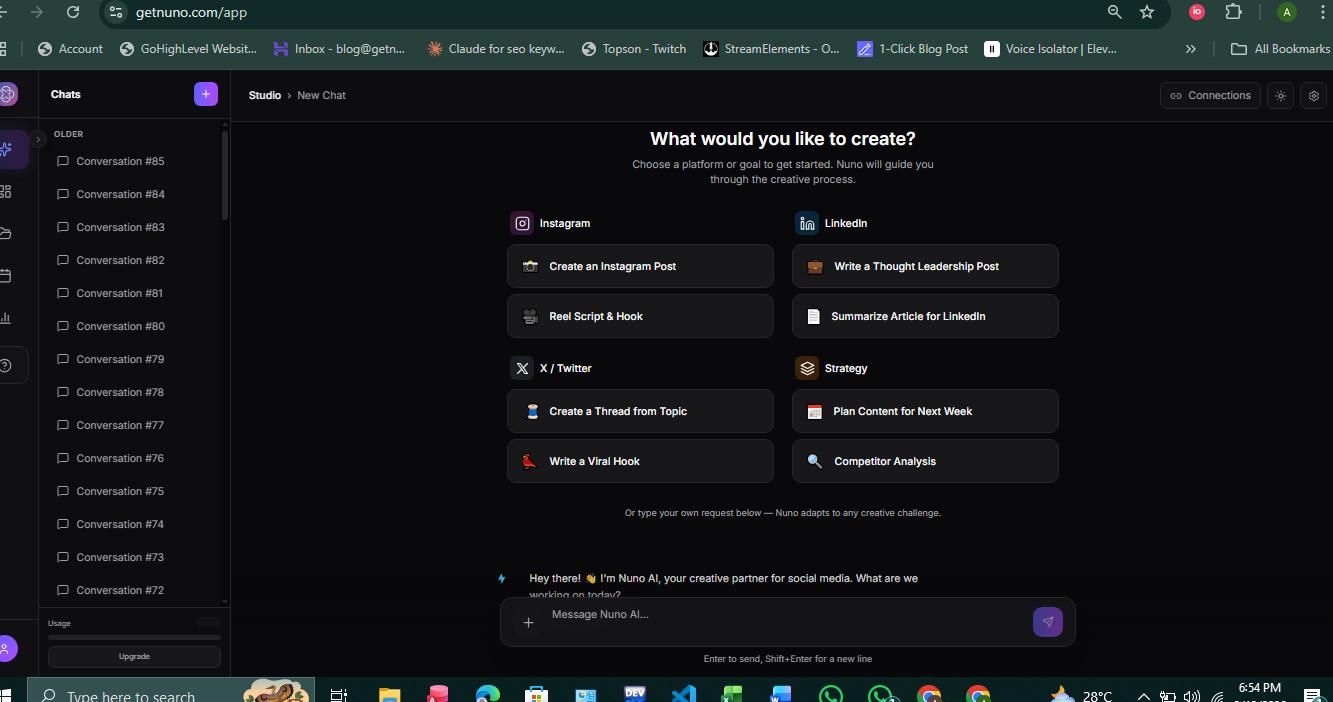
If you run social for a business, juggling multiple accounts, captions, and deadlines is a time sink. Good news: instagram auto publish tools remove the repetitive parts of posting, letting you batch content and stay consistent without losing control. This guide walks you through what “auto-publish” really means, the setup steps, real limitations (so you don’t get stuck), and why Nuno AI is built to make scheduling, multi-account management, and auto-posting painless for small businesses and social teams.
Why instagram auto publish matters for small businesses and social teams?
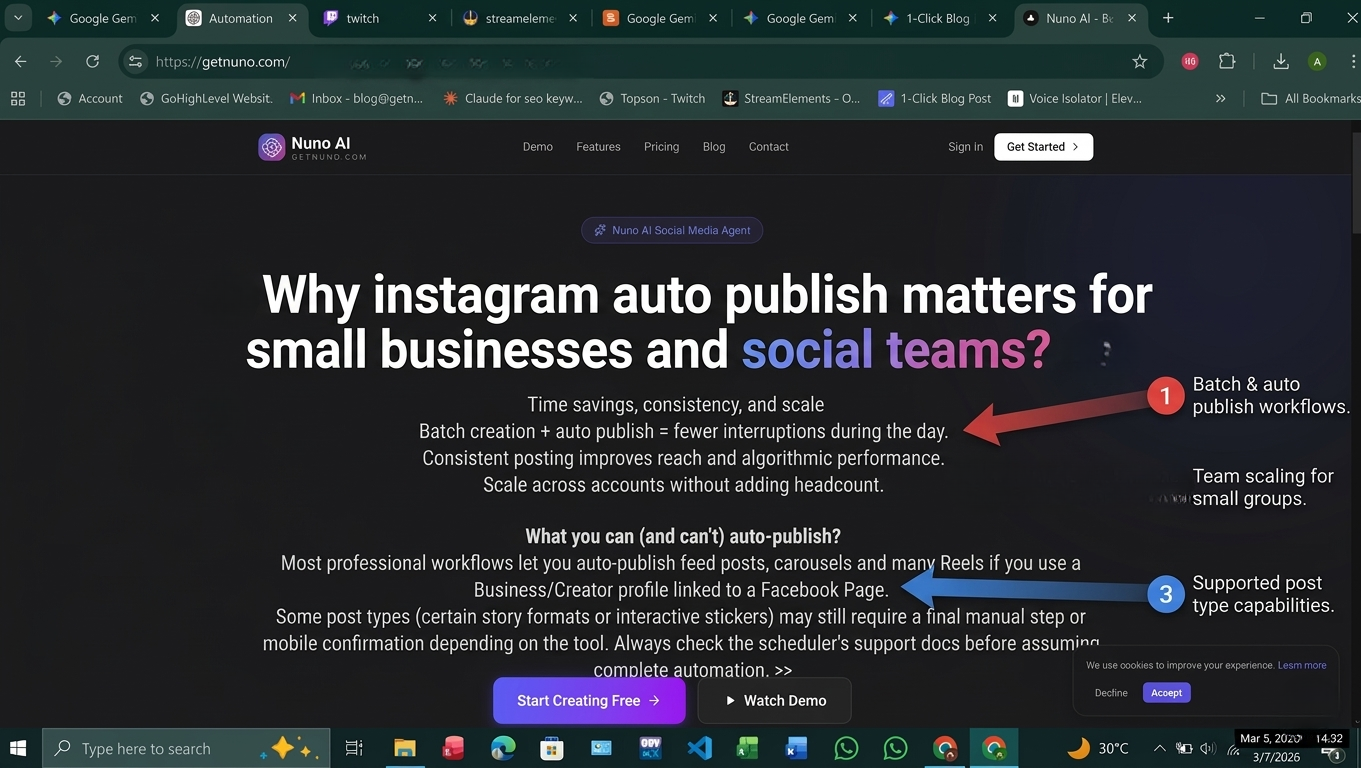
Time savings, consistency, and scale
Batch creation + auto publish = fewer interruptions during the day.
Consistent posting improves reach and algorithmic performance.
Scale across accounts without adding headcount.
What you can (and can’t) auto-publish
Most professional workflows let you auto-publish feed posts, carousels and many Reels if you use a Business/Creator profile linked to a Facebook Page.
Some post types (certain story formats or interactive stickers) may still require a final manual step or mobile confirmation depending on the tool. Always check the scheduler’s support docs before assuming complete automation.
Native vs third-party scheduling: the quick comparison
Native scheduling with Meta Business Suite
Using the native platform (Meta Business Suite) gives you direct, reliable auto-publish with no API middleman , and it’s free. For many small businesses this is the simplest path to automated posting.
Third-party schedulers , what to look for
When evaluating apps, check for:
True auto-publish (not just push notifications),
Support for Reels and video auto-posting,
Multi-account and team collaboration,
Post previews, hashtag management, and analytics,
Free plan availability and pricing tiers.
Tools like Buffer, Hootsuite and Later support automatic post and Reel publishing (features vary by plan). Use tool docs to confirm exact support for Reels and videos before committing.
Step-by-step: how to set up instagram auto publish (quick setup)
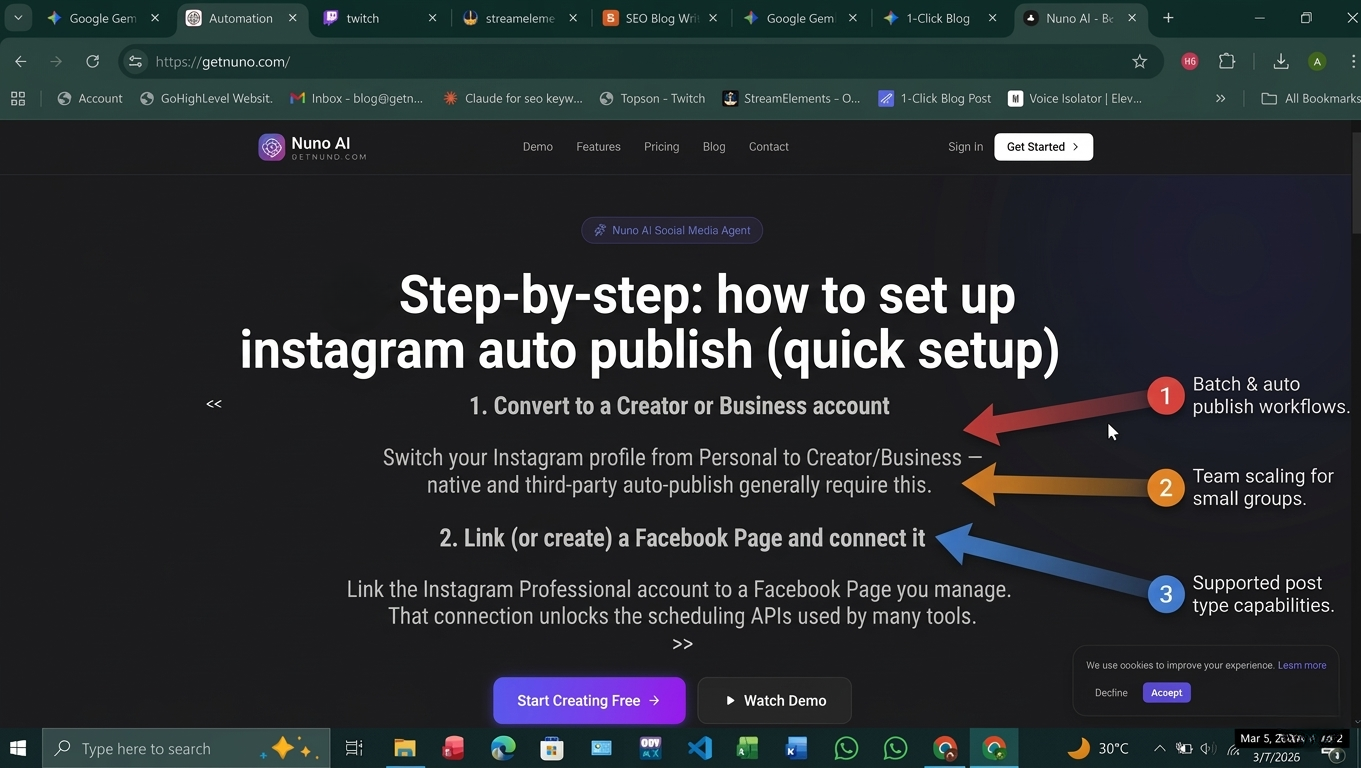
1. Convert to a Creator or Business account
Switch your Instagram profile from Personal to Creator/Business , native and third-party auto-publish generally require this.
2. Link (or create) a Facebook Page and connect it
Link the Instagram Professional account to a Facebook Page you manage. That connection unlocks the scheduling APIs used by many tools.
3. Connect the scheduler (example flow)
Sign into your scheduler (or Nuno AI) → choose “Connect Instagram.”
Follow the OAuth flow to grant permissions to the Facebook Page.
Verify publishing capabilities in the tool’s account settings.
Example: Nuno AI’s onboarding guides let you add multiple Instagram accounts, set posting windows, and enable auto publish for Reels and single-video posts.
Top scheduling workflows (posts, carousels, reels, videos)
Scheduling Reels and videos (limits & best practices)
Many tools now support true auto-publish of Reels and short videos , but there are platform limits (e.g., rate limits per day and preview/audio constraints). Always confirm current caps with your scheduler.
Upload high-quality vertical video, add captions and hashtags in the scheduler, and preview before scheduling.
Multi-account batching with automation
Batch-create content for the week → upload CSV or drag-and-drop media → auto-assign captions and hashtags → schedule.
Nuno AI supports multi-account queues so one upload can publish across several clients/accounts with account-specific captions and scheduling windows.
Why choose Nuno AI for Instagram scheduling
(Nuno AI is a web-based tool built to auto publish and manage multiple accounts.)
Key Nuno AI features that save you time
True instagram auto publish for feed posts and Reels (auto-publish where API permits).
Multi-account dashboards to manage dozens of clients from one UI.
Smart queues, best-time suggestions, hashtag groups, and reusable caption templates.
Team roles, approval workflows, and calendar export for client reporting.
Free trial and tiered plans for solopreneurs up to agencies.
Example workflow: publish a week’s worth of posts in 20 minutes
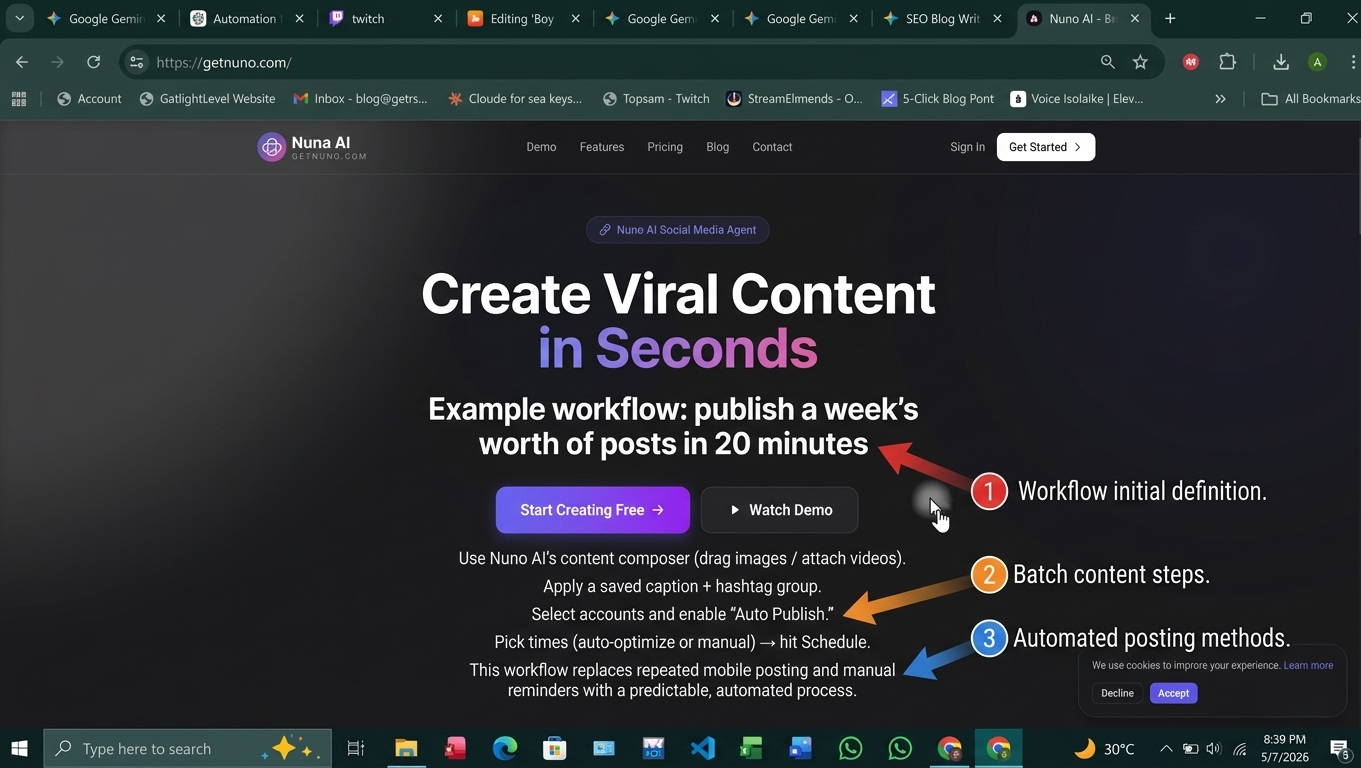
Use Nuno AI’s content composer (drag images / attach videos).
Apply a saved caption + hashtag group.
Select accounts and enable “Auto Publish.”
Pick times (auto-optimize or manual) → hit Schedule.
This workflow replaces repeated mobile posting and manual reminders with a predictable, automated process.
Actionable tips to maximize results with scheduled posts
Use analytics: let data guide posting cadence and times.
Test variations (A/B captions or hashtags) across weeks.
Keep captions concise and include a clear CTA.
Refresh saved hashtag groups every 4–6 weeks.
Use Nuno AI’s calendar view to spot content gaps and seasonal opportunities.
Final checklist: set up instagram auto publish in under 15 minutes
1) Switch to Business/Creator account.
2) Link a Facebook Page.
3) Connect your scheduler (Nuno AI or other).
4) Enable auto-publish for each account.
5) Upload 1–2 weeks of content, save templates, and schedule.
FAQ's:
Q1: Can I truly auto post to Instagram without my phone?
Yes ,if you have an Instagram Business or Creator account linked to a Facebook Page, you can use Meta Business Suite or approved third-party tools (like Buffer, Hootsuite, Later, or Nuno AI) to auto-publish many post types including feed posts and supported Reels. Always confirm the tool’s Reels support in its docs.
Q2: Do I need a Business or Creator account to schedule posts?
Yes, Automatic publishing via APIs generally requires an Instagram Professional (Business or Creator) account linked to a Facebook Page you manage.
Q3: Can I schedule Reels and videos to auto-publish?
Many modern schedulers support Reels auto-publish, but features and limits vary (platform rate limits or tool-level restrictions may apply). Check the scheduler’s help pages for exact capabilities.
Q4: What’s the fastest way to manage multiple Instagram accounts?
Use a multi-account scheduler like Nuno AI that allows one upload to queue posts for several accounts, template captions, and role-based approvals. This reduces repetitive uploads and speeds team workflows.
Q5: Are there reliable free schedulers for Instagram?
Several tools offer limited free plans (e.g., Buffer and Later have free tiers), but advanced automation (Reels auto-publish, multi-account queues) is often on paid plans. Compare features against your needs before choosing.