
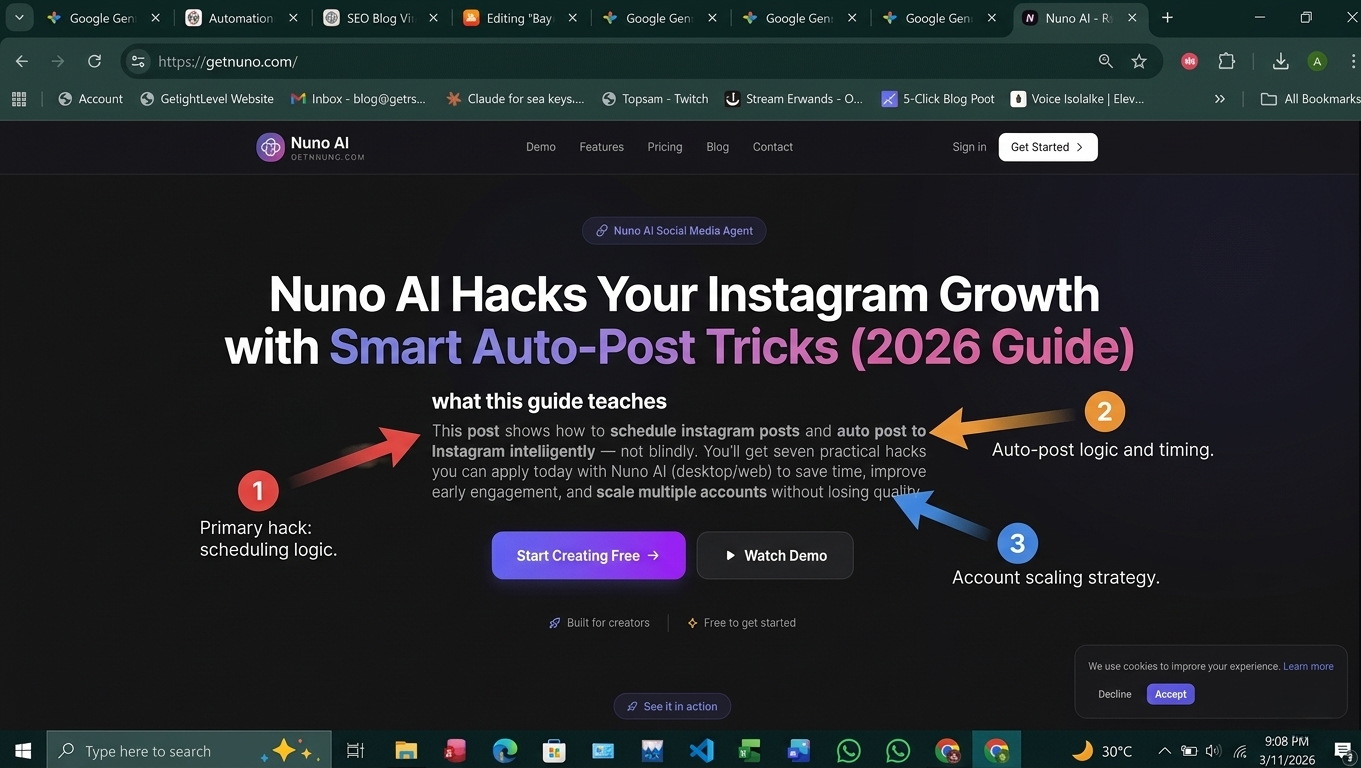
what this guide teaches
This post shows how to schedule instagram posts and auto post to Instagram intelligently — not blindly. You’ll get seven practical hacks you can apply today with Nuno AI (desktop/web) to save time, improve early engagement, and scale multiple accounts without losing quality.
Why scheduling + auto-posting accelerates growth
The algorithm + early engagement window
Instagram rewards posts that get traction quickly. Auto-posting at your audience’s peak time increases the chance of early likes, comments, and watch time — signals the algorithm boosts. That’s why learning when to schedule instagram posts is growth-critical.
Consistency beats frequency
Posting reliably (e.g., 3× week + 1 Reel) is better than sporadic daily posts. A predictable schedule trains followers and opens repeat discovery opportunities. Use a content calendar and automation to keep that rhythm without burning out.
7 Practical auto-post hacks (with Nuno AI examples)
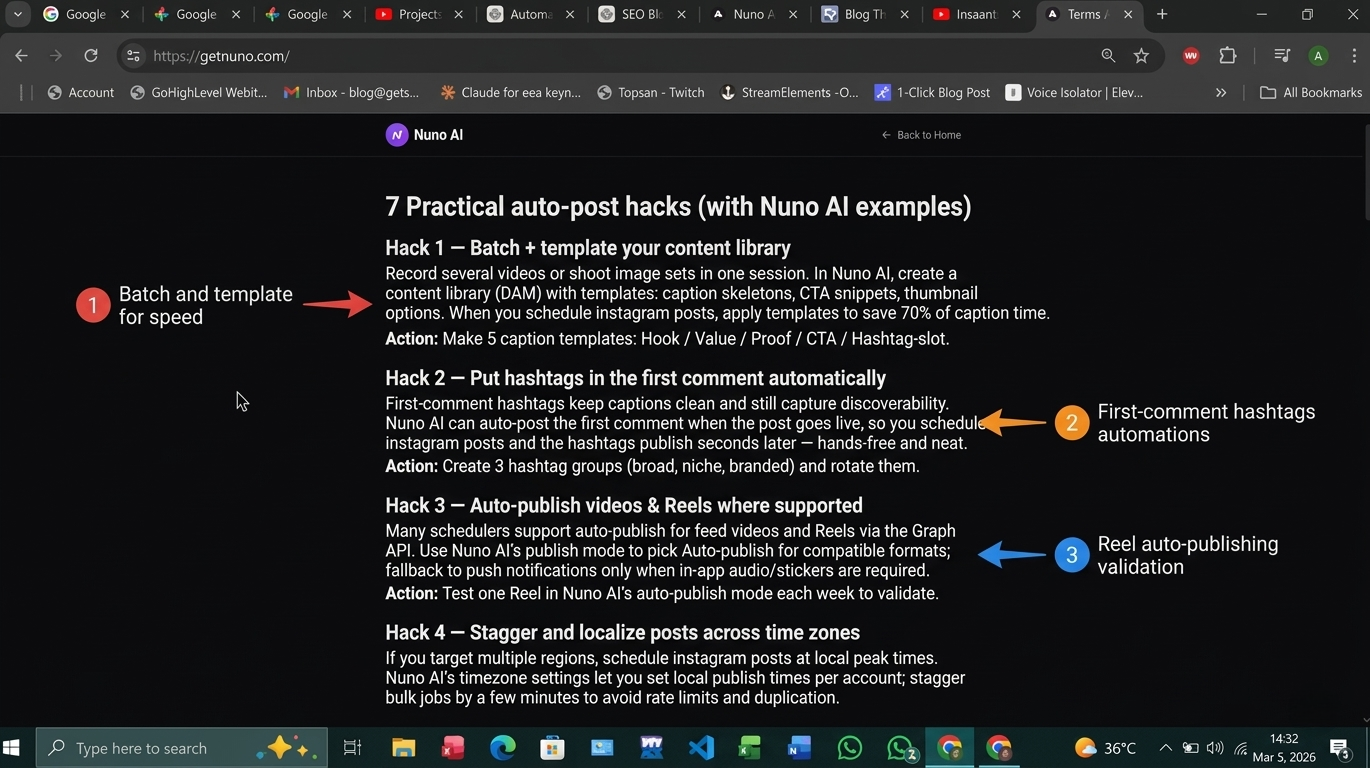
Hack 1 — Batch + template your content library
Record several videos or shoot image sets in one session. In Nuno AI, create a content library (DAM) with templates: caption skeletons, CTA snippets, thumbnail options. When you schedule instagram posts, apply templates to save 70% of caption time.
Action: Make 5 caption templates: Hook / Value / Proof / CTA / Hashtag-slot.
Hack 2 — Put hashtags in the first comment automatically
First-comment hashtags keep captions clean and still capture discoverability. Nuno AI can auto-post the first comment when the post goes live, so you schedule instagram posts and the hashtags publish seconds later — hands-free and neat.
Action: Create 3 hashtag groups (broad, niche, branded) and rotate them.
Hack 3 — Auto-publish videos & Reels where supported
Many schedulers support auto-publish for feed videos and Reels via the Graph API. Use Nuno AI’s publish mode to pick Auto-publish for compatible formats; fallback to push notifications only when in-app audio/stickers are required.
Action: Test one Reel in Nuno AI’s auto-publish mode each week to validate.
Hack 4 — Stagger and localize posts across time zones
If you target multiple regions, schedule instagram posts at local peak times. Nuno AI’s timezone settings let you set local publish times per account; stagger bulk jobs by a few minutes to avoid rate limits and duplication.
Action: Use a 3-window test (morning, lunch, evening) per region and pick winners after 2 weeks.
Hack 5 — Build “reflex” CTAs into captions
A reflex CTA is a micro-action (save, tag, answer) you ask for within the first sentence. These short CTAs increase early engagement. Include one reflex CTA per post template and measure lift.
Action: Try “Save this for later” vs “Tag 1 friend” in A/B tests.
Hack 6 — Use approval workflows for multi-account teams
For agencies and teams managing multiple instagram accounts, approvals prevent brand mistakes. Nuno AI supports role-based approvals and locked drafts. Route posts: Creator → Editor → Client Approver → Auto-Publish.
Action: Set a 24-hour approval SLA to avoid last-minute rushes.
Hack 7 — Automate analytics alerts & iterate fast
Set alerts for first-hour performance (views, watch time, engagement). If a post underperforms, reschedule or amplify with a small boost. Nuno AI can surface top/worst performers and recommended posting windows.
Action: Create a weekly rule: promote any post with >X saves/watches in 24 hours.
Step-by-step: Schedule instagram posts with Nuno AI (copy-paste workflow)
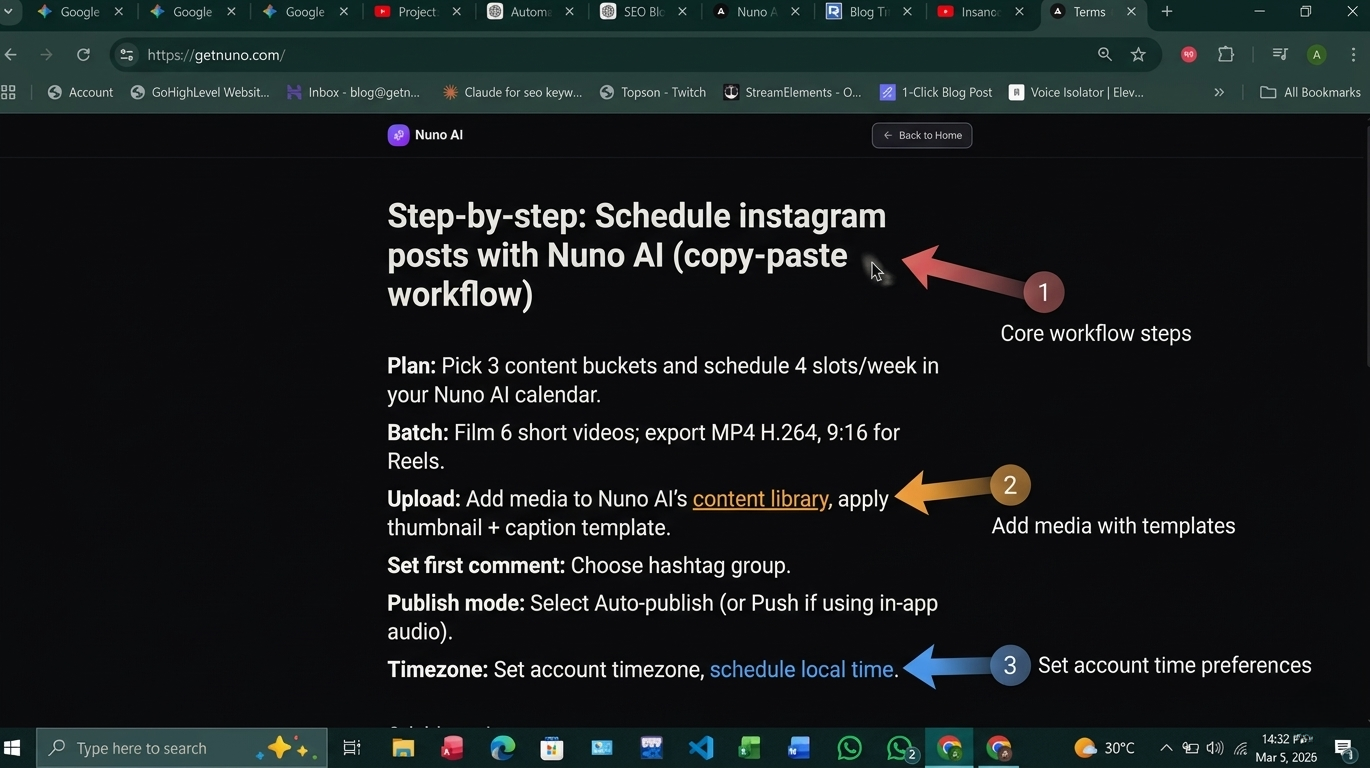
Plan: Pick 3 content buckets and schedule 4 slots/week in your Nuno AI calendar.
Batch: Film 6 short videos; export MP4 H.264, 9:16 for Reels.
Upload: Add media to Nuno AI’s content library, apply thumbnail + caption template.
Set first comment: Choose hashtag group.
Publish mode: Select Auto-publish (or Push if using in-app audio).
Timezone: Set account timezone, schedule local time.
Approve: Send to approver; once approved, Nuno AI queues for auto publishing.
Monitor: Check first-hour alert; if underperforming, tweak caption & repromote.
This routine is repeatable and scales across accounts.
Conclusion :
Smart automation is not about autopilot — it’s about predictable, measured growth. Use these hacks to schedule instagram posts with intent: batch content, auto-post where possible, stagger for time zones, and iterate based on first-hour data. Nuno AI makes those steps fast and repeatable so you can scale content without extra hours.
Want a ready-to-use Nuno AI template (3 caption templates + 3 hashtag groups + a 4-week calendar) exported as Google Sheets and CSV for bulk upload? Reply “Send Growth Kit” and I’ll generate the pack.
Let's see the features of Nuno AI
FAQ's:
Q1: Will auto-posting reduce my Instagram reach?
A1: No — when you schedule instagram posts at optimal times and use quality content, auto-posting increases consistency and early engagement, which helps reach.
Q2: Can I auto-post Reels with music?
A2: Often no — trending in-app audio may require manual finalization. Use original/licensed audio for true auto-publish, or use push reminders for in-app audio posts.
Q3: How many hashtag groups should I prepare?
A3: Prepare 3 groups (broad, niche, branded) and rotate them. Nuno AI can auto-post these in the first comment for clean captions.
Q4: How do I test the best time to post?
A4: Run a 3-window test (morning, midday, evening) for 2–4 weeks and compare first-hour engagement to pick the best time for your audience.
Q5: Can I manage multiple accounts with the same workflow?
A5: Yes — use role-based approvals, CSV bulk uploads, and staggered scheduling (all supported in Nuno AI) to manage multiple instagram accounts reliably.